


- BDO Unibank
- About BDO
- Learn
- BDO StopScam
Â
#BDOStopScam
Know the ways you can protect yourself against scams. Be smarter than a scammer with #BDOStopScam.
Â
DO NOT CLICK LINKS!
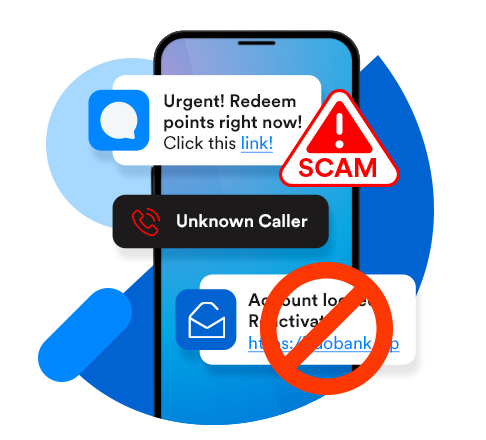
Scammers insert fake alerts with links into legit SMS threads. Clicking can install malware in your device or take you to a fake website.​
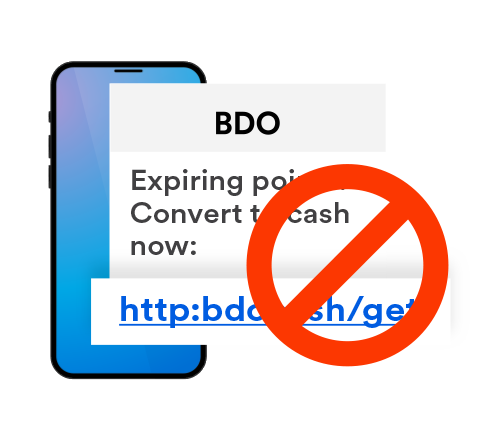
If an SMS or email has a link, it's a scam!
Â
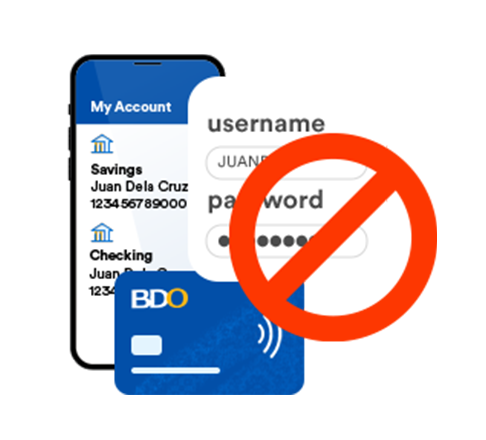
NEVER SHARE your Account, Card, or Login details!
BDO will never ask for sensitive account info over a call or ask you to enter them through links sent via chat, email, or SMS!​
Â
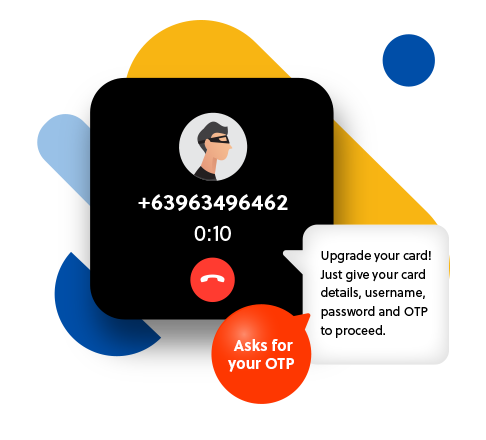
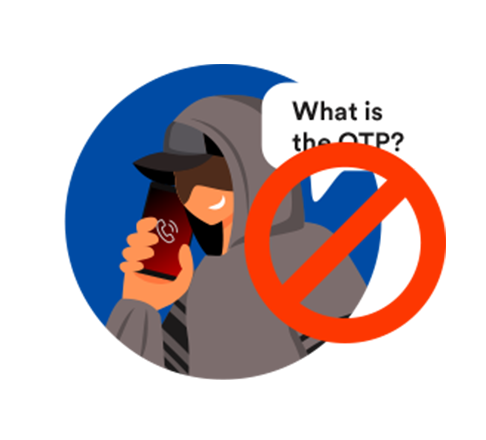
DO NOT SHARE YOUR OTP!
Your One-Time PIN is a layer of security that protects your account and transactions that only scammers will ask for.​
​Got an unexpected OTP? Someone may be trying to access your account. Contact your bank!​
Beware of these common scams
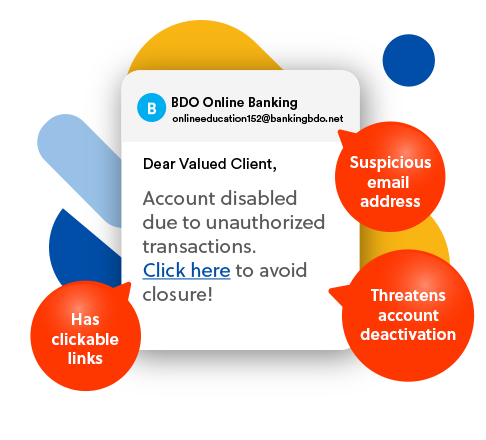
Scam emails (Phishing)
Don't click links!
Double-check your "BDO" emails and make sure they're from official senders and email addresses.Â
Scam calls (Vishing)
Don't share your OTP!
Anyone asking for sensitive account or card info, or your OTP is out to scam you. End the call right away!Â
Scam texts (Smishing)
Don't click links!Â
BDO messages will not contain links, and sender IDs can be spoofed. Watch out for fake texts!
How to stay protected from scams
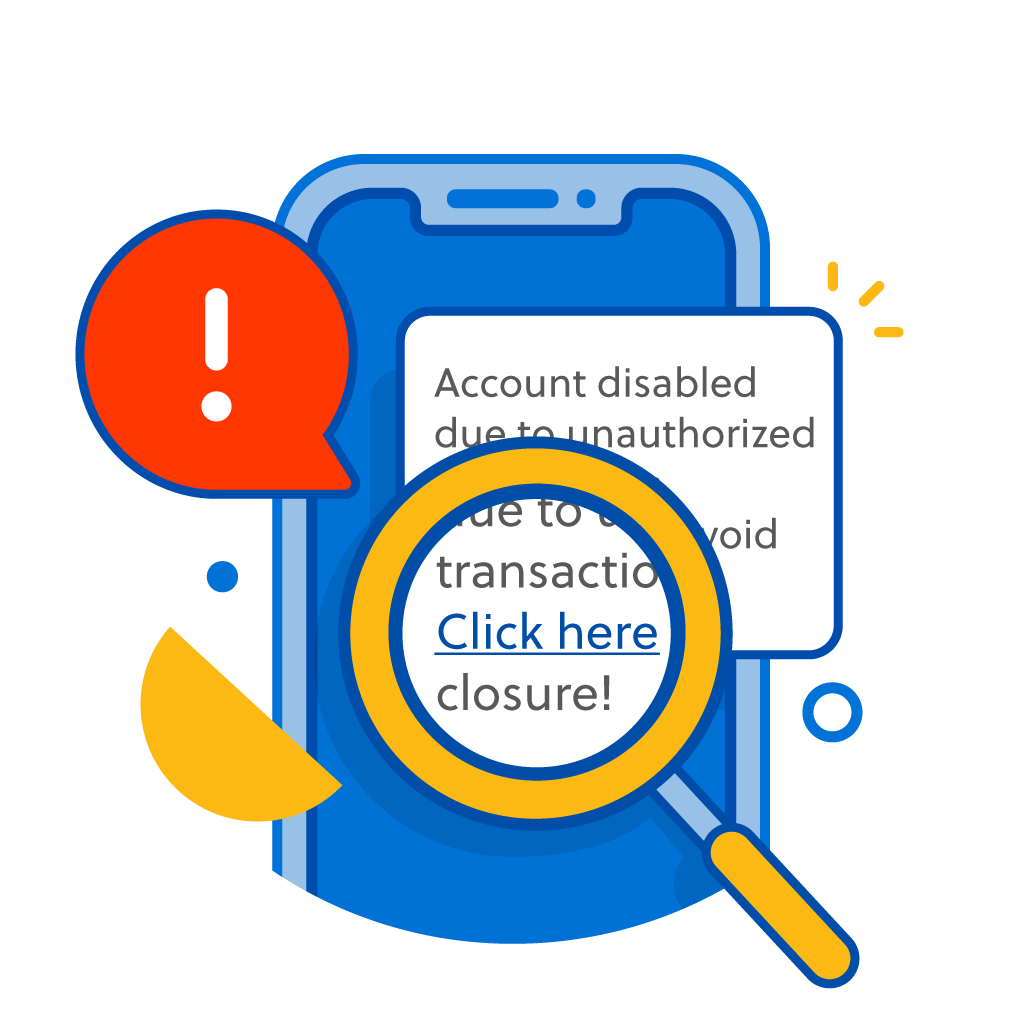
Identify
Is the message triggering panic? Requires you to act fast and has a link? If you say yes to all these, it's a scam.
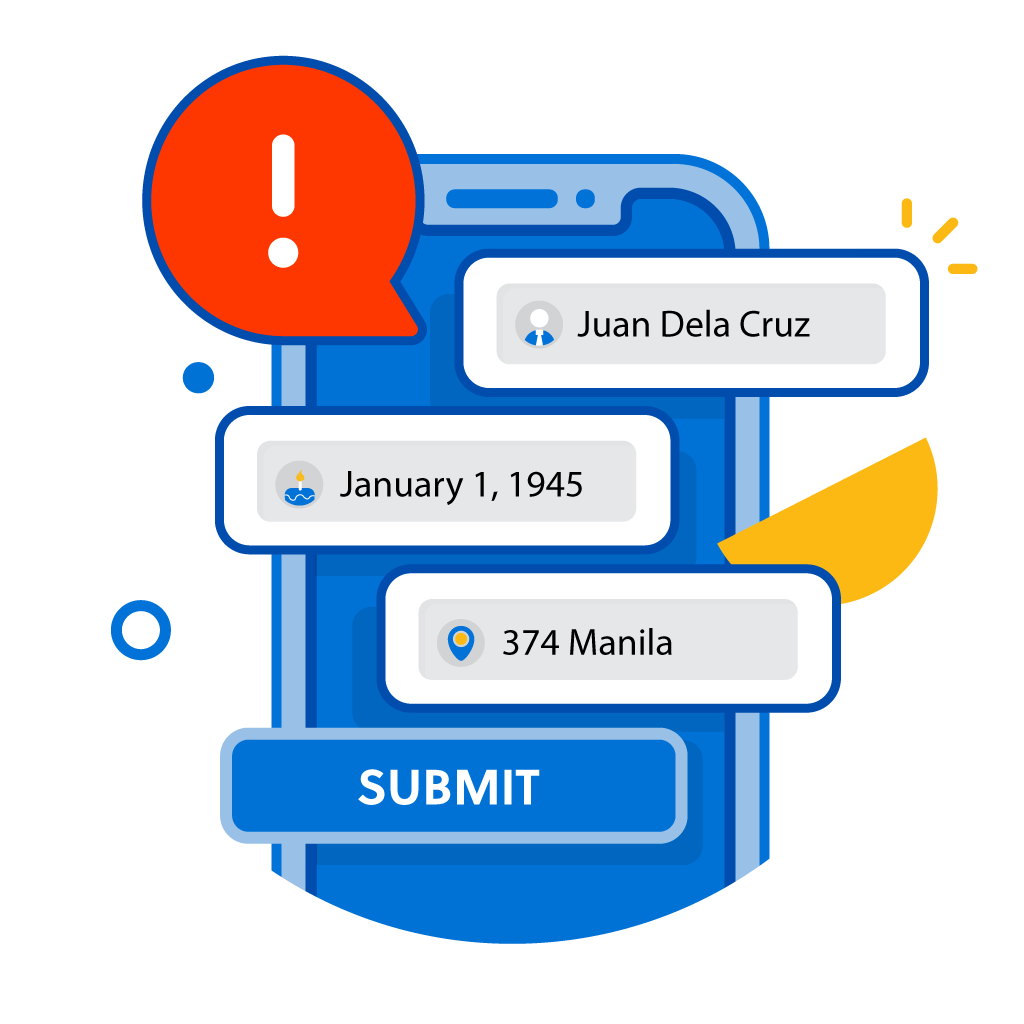
Avoid
Take extra measures to protect your personal info to avoid getting scammed. Don't click links and never share your OTP.
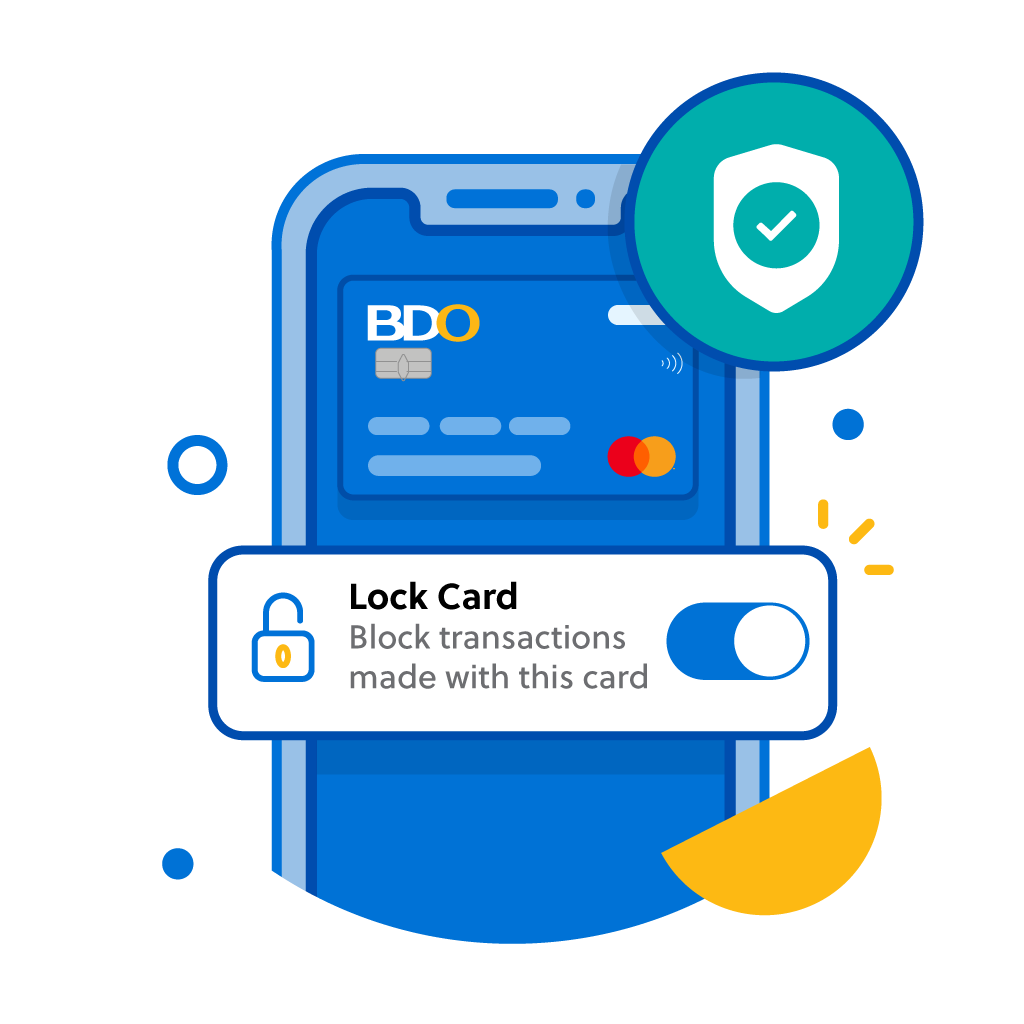
Prevent
In case of a fraud experience, reset your online banking password and lock your card on BDO Online. Call us at (02) 8888-0000.Â
How to reset your online banking password on BDO Online:
Step 1
On the login page, tap Need help logging in?, then I’d like to reset my password.
Step 2
Enter your username and the last four (4) digits of your account or card number, then select Next.
Step 3
Enter the OTP sent to your registered mobile number to confirm your account, then select Submit.
Step 4
Set up your new password. Once successful, you can already use your new password to log in to the BDO Online app and website.
How to lock your Debit or Credit Card on BDO Online:
Step 1
Once you’re logged in, select More, then Manage Cards.
Step 2
Choose the Debit or Credit Card that you would like to lock, then toggle on Lock Card.
Step 3
You will get notified when the Debit or Credit Card is successfully locked.
Check who's messaging!
See our list of official email addresses and SMS sender names. REMEMBER, even official sender IDs can be spoofed or hijacked by scammers - especially in text messages. If it has a link, it's likely a scam so don't click links!
Contact us
BDO Corporate Center:
7899 Makati Avenue Makati City 0726, Philippines Trunkline:Â (+632) 8840-7000
BDO Contact Center:
Hotline:Â (+632) 8888-0000
Outside Metro Manila
(PLDT/Globelines): #8888-0000
(For landline only, press # followed by 8888-0000)
Â
International Toll-Free:
Send a message to this channel for account-related concerns.
For scams, fraud, or lost/stolen cards, call the BDO Customer Contact Center at (02) 8888-0000. To report phishing attempts, email us at reportphish@bdo.com.ph.
Our website uses cookies and similar technologies to improve your experience. By clicking "I Agree", you allow us to enable these in your usage of BDO platforms.
View our Cookie Policy and Data Privacy Policy for more details.