- BDO Unibank
- Personal
- Cards
- Rewards Cards
- Activate
Activate your
Rewards Card
Unlock a rewarding experience in two easy ways
via BDO Pay
Step 1
Download BDO Pay app and sign up.
*Available on the App Store, Google Play Store, and Huawei AppGallery.
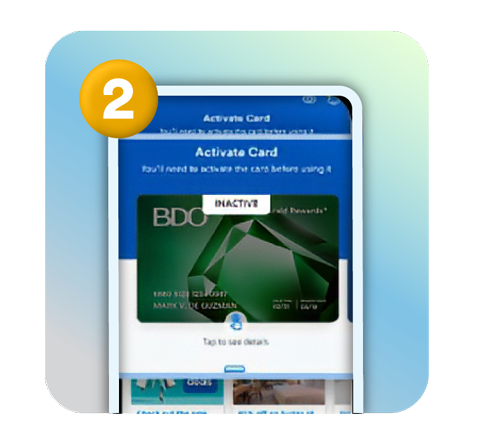
Step 2
On your dashboard, swipe right to see your inactive Rewards card.
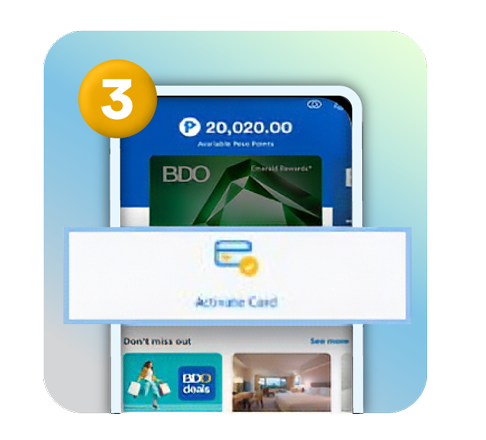
Step 3
Tap Activate Card below the Rewards card.
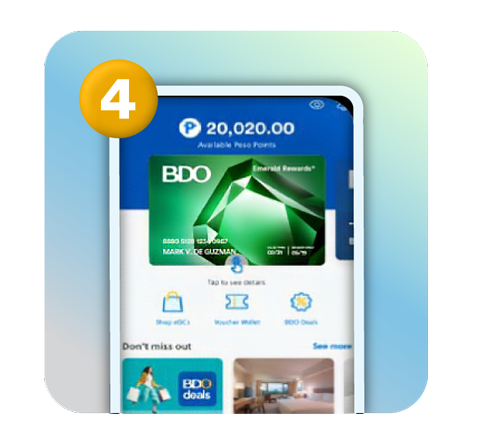
Step 4
Start enjoying your BDO Rewards online!
via BDO Customer Contact Center
Your rewarding experience is one call away. Here's how:
Step 1
Call us from any of these hotlines to start. Have your BDO Rewards card number ready for a smooth activation.
Domestic:
Hotline:Â (+632) 8888-0000
Outside Metro Manila
(PLDT/Globelines):Â #8888-0000
(For landline only, press # followed by 8888-0000)
For international customers, click here.
Step 2
From the voice menu follow these options:
- Press 3 for 'Balance, transaction, and other account services'
- Press 4 for 'Rewards Card'
- Press 2 for 'Other card services'
- Press 1 for 'Activation'
Step 3
Input your 16-digit BDO Rewards card number. Once entered, an SMS with a one-time pin (OTP) will be sent to your registered mobile number to verify your activation request.
Step 4
Enter your one-time pin to complete your activation. Your BDO Rewards is now activated!
Our website uses cookies and similar technologies to improve your experience. By clicking "I Agree", you allow us to enable these in your usage of BDO platforms.
View our Cookie Policy and Data Privacy Policy for more details.