


.png)
Maximize your money's potential with the right account


Accounts-Related Terms and Conditions
To view the complete terms and conditions, click Deposit Terms and Conditions
To view the complete terms and conditions, click Common Terms and Conditions
- To view the complete terms and conditions, click Debit Card Terms and Conditions
- Read the latest updates here, Debit Card Terms and Conditions Update
To view the complete terms and conditions, click Online Account Opening Terms and Conditions
- To view the complete terms and conditions, click Biometrics Terms and Conditions
- Read the latest updates here, Biometrics Terms and Conditions Update
To view the complete terms and conditions, click BDO Online Banking Terms and Conditions
Explore more
Yes, as long as you are a Filipino Citizen. Make sure to use an active Philippine mobile number for your application as an OTP (One-Time PIN) would be sent to your number as part of the process.
Important Note: If you are located in China, you may be unable to receive the OTP (One-Time PIN) due to local regulations restricting international SMS. You may open an account upon returning to the Philippines or from another country.
Yes, as long as you have a valid resident visa and address in the Philippines. Just submit your Passport (with English characters) and a second ID from the list of acceptable IDs (i.e. ACR I-Card, National ID for select countries). You may also be asked to submit additional documents in compliance with bank regulatory requirements.
Step 1: Go to www.bdo.com.ph/apply, choose the account type, and fill out the online forms
Step 2: Upload and submit a photo of your ID, and selfie
Step 3: Get into a video call with a BDO representative for evaluation
Step 4: Once account is opened, fund your account within 7 days.
Step 5: Pick-up your debit card / passbook / or checkbook at your chosen BDO Branch
BDO Online Banking lets you do secure and on-the-go banking through the website or the mobile app. It lets you manage your accounts, keep track of your finances, and make different types of transactions anytime, anywhere.
With the new BDO Online app, you can:
Log in quickly and securely
Send Money seamlessly
Pay Bills without the frills
Use QR for quicker transactions
Buy load straight from your phone
By signing up to Online Banking, you can easily access the BDO Online app and perform online transactions once your account is open.
Download the BDO Online app for FREE from the Google Play Store or the App Store.
To know more, visit www.bdo.com.ph/online-banking
If your preferred time slot is unavailable, feel free to choose the next most convenient schedule. New slots open regularly, so we recommend checking back for updated availability. You may also consider opening an account at the nearest BDO branch if you'd like to proceed sooner.
Yes. After you enter your personal information and agree to the Terms and Conditions/Data Privacy Consent, the facility automatically saves your information. We will send you an SMS and email with the application reference number so you may continue your application within 7 days.
Once your application has been saved, we will send you an email with your Application Reference Number and instructions on how to get back to your application. Simply follow the intructions to pick up where you left off.
Try to log-in again after 48 hours from receipt of the account approval email. Ensure that you enter the correct user ID and Password. If you still cannot log-in, please contact the BDO Customer Contact Center at (+632) 8888-0000.
App
On the login page where you need to input your username and password, tap Need help logging in?, then tap I’d like to get my username, and then enter your registered email address. You will receive instructions on how to recover your username via email.
Website
On the login page, click I’d like to get my username, enter your registered email address, then click Submit. You will receive instructions on how to recover your username via email.
Just follow these steps to reset your password:
[App] On the login page where you need to input your username and password, tap Need help logging in?, then tap I’d like to reset my password
[Website] On the login page, click I’d like to reset my password
Enter your username and the last four (4) digits of your account or card number, then tap/click Next
Enter the OTP (One-Time PIN) sent to your registered mobile number to confirm your account, [website] then click Submit
Set up your new password
Must have at least 8 characters
Must contain a lowercase letter
Must contain an uppercase letter
Must contain a number
Must contain a special character (except backslash [\], double quotes [“”] and single quote [’])
Must not be an old password
Once password reset is successful, you can already use your new password to log in to the BDO Online app and website.
You will receive an email notification for every successful password change.
To use the facility effectively, please check that your internet connection is stable. We also recommend using Google Chrome, Safari, or Microsoft Edge browsers on your preferred device.
When opening a Junior Savers Account online, enter the personal information of the parent/s or guardian. If you wish to open an account under the name of your child, you may do so at any BDO branch.
You need to have your own active personal mobile number as this is used to communicate important account-related updates, as well as for security purposes like sending of OTPs (One-Time PIN).
Yes, same-day video call appointment is available! Just pick your preferred timeslot. If all slots are already filled, just pick the next available date and time that works best for you.
You can simply visit your preferred branch to continue your application at your most convenient time, within 30 days from the date of submission. Just bring your valid ID(s) and provide your reference number when you visit.
Updates will be provided through email and SMS after submitting your application. If you can't find our email, check your spam or junk folder in case our message ended up there.
Contact us

BDO Corporate Center:
7899 Makati Avenue Makati City 0726, Philippines Trunkline: (+632) 8840-7000

BDO Contact Center:
Hotline: (+632) 8888-0000
Outside Metro Manila
(PLDT/Globelines): #8888-0000
(For landline only, press # followed by 8888-0000)
International Toll-Free:

Send a message to this channel for account-related concerns.
For scams, fraud, or lost/stolen cards, call the BDO Customer Contact Center at (02) 8888-0000. To report phishing attempts, email us at reportphish@bdo.com.ph.
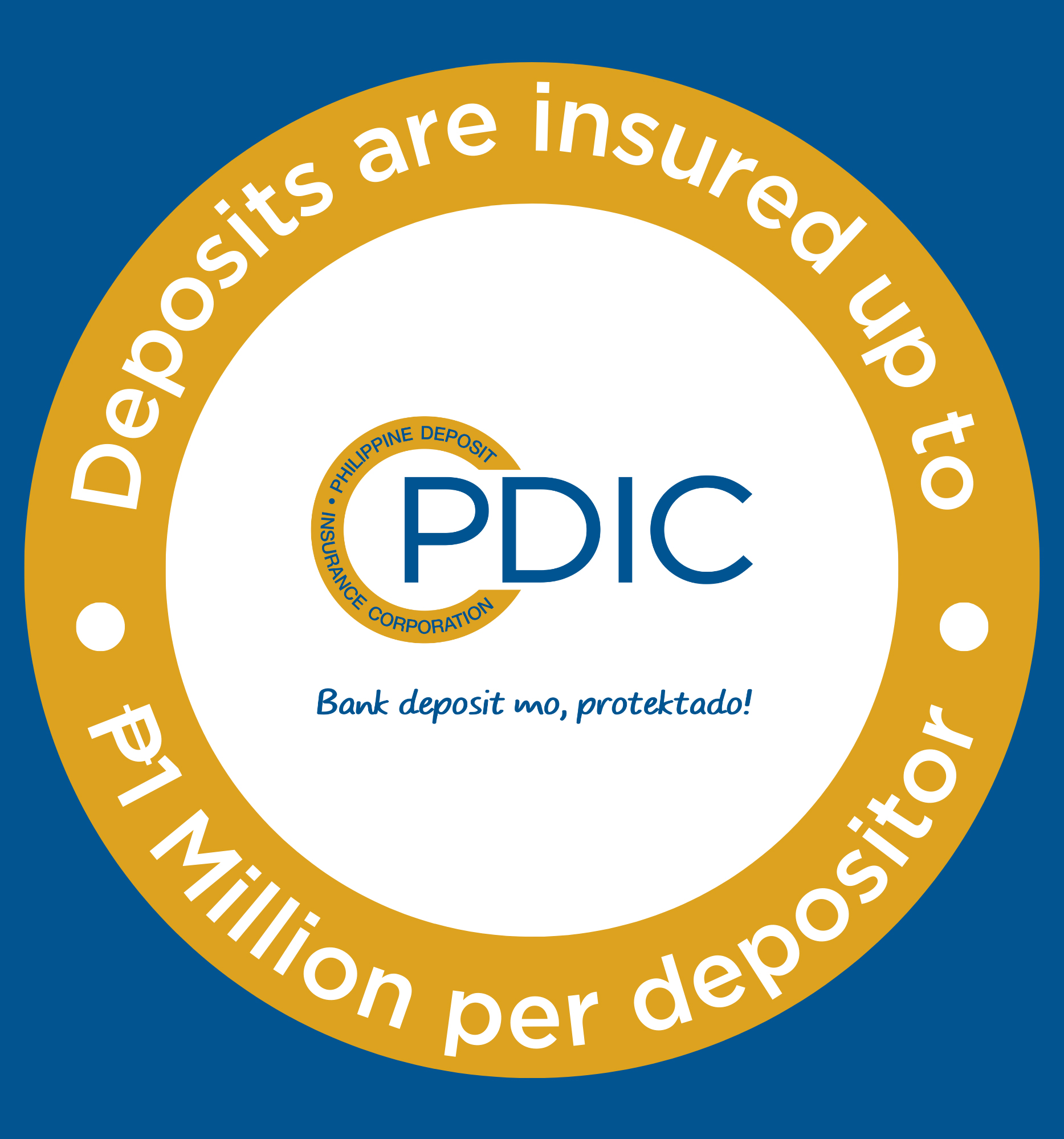
Deposits are insured by PDIC
up to P1 Million per depositor.
